
Download Webcam Greetings Studio – Fun Greeting Videos, Webcam Effects, Share via Email
Overview
Webcam Greetings Studio is a creative mobile application designed for users with access to a webcam, offering a simple and engaging way to produce entertaining greeting videos. The app’s primary purpose is to transform ordinary video messages into fun, expressive content through the use of visual effects and playful overlays. It addresses the growing desire for personalized, lighthearted digital communication, especially in personal and social contexts.
Target users include individuals seeking a joyful way to send birthday wishes, holiday messages, or casual check-ins to friends and family. While the developer did not provide additional background details, the app’s long-standing presence in the digital space suggests a niche focus on user-friendly video expression. Real-world use cases include sending humorous birthday greetings, surprise messages for loved ones, or creative introductions in virtual gatherings.
In the broader app ecosystem, Webcam Greetings Studio fills a unique gap by combining basic video recording with accessible visual effects, making it a lightweight yet expressive tool for personal communication.
Key Features & Functionality
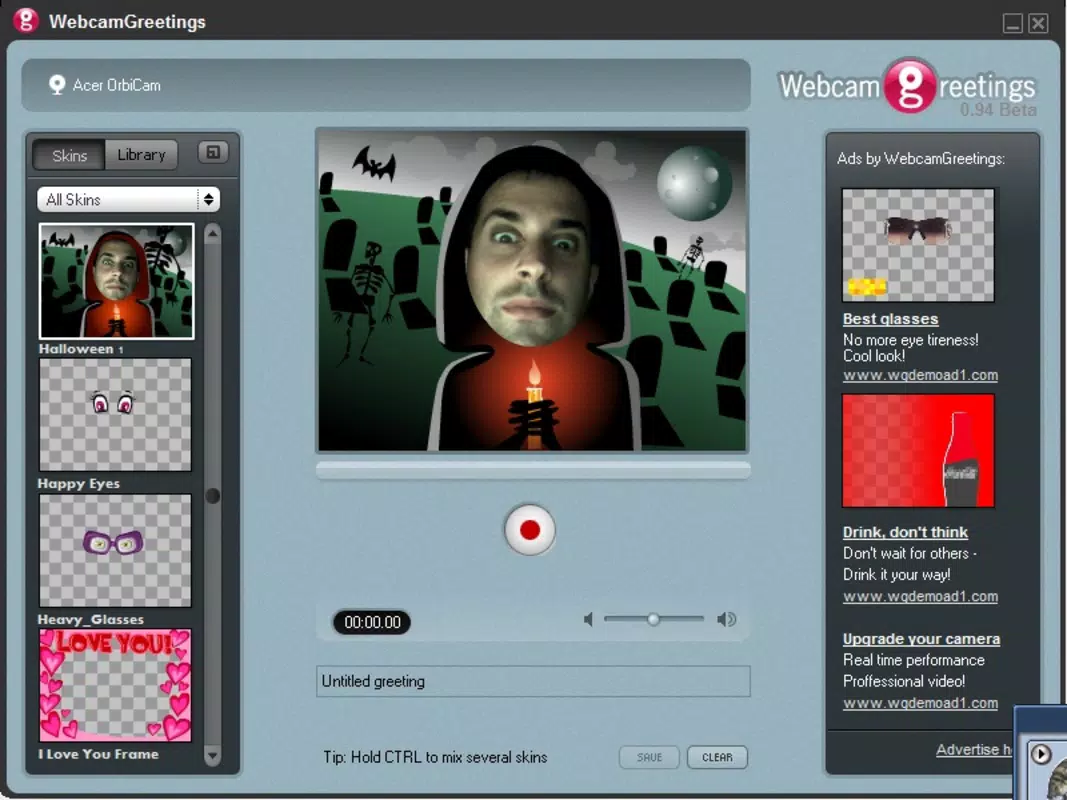
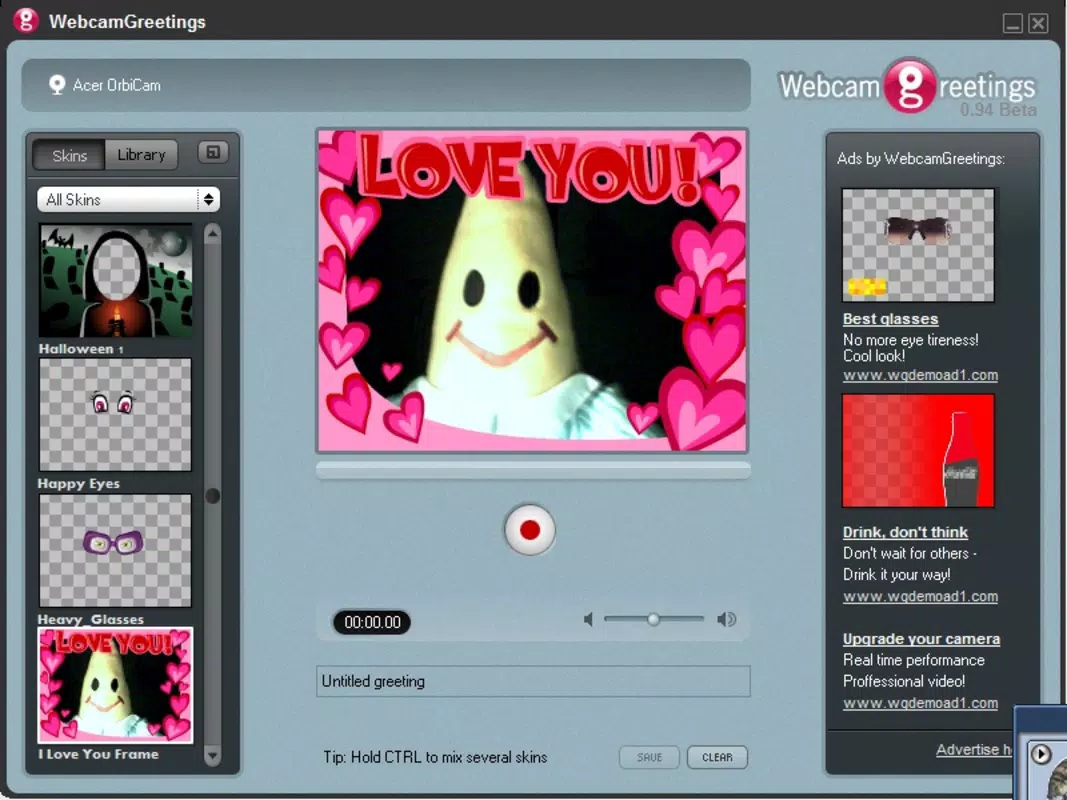
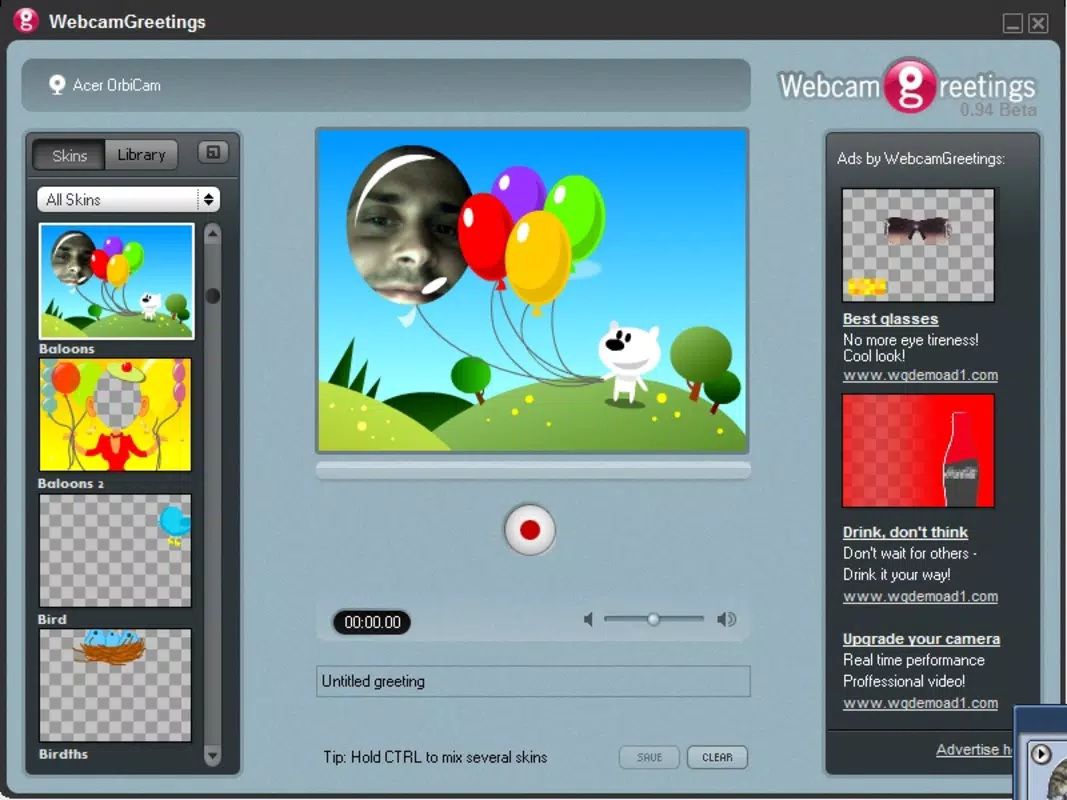
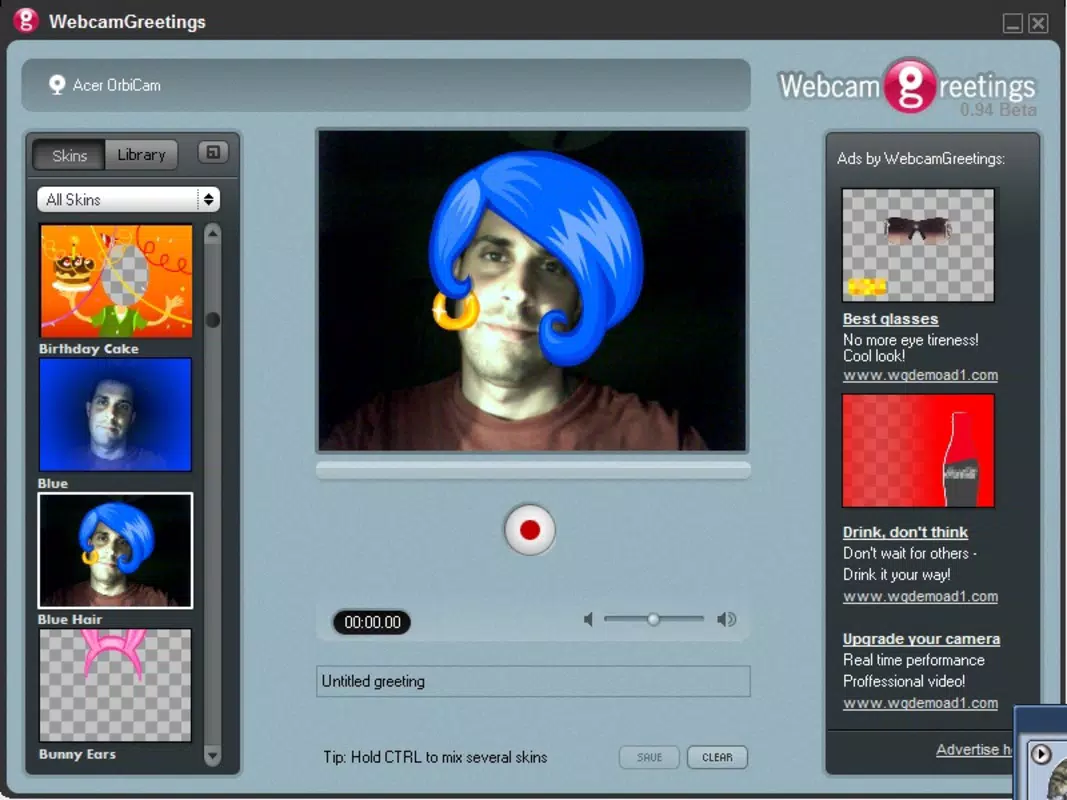
- Wide Range of Visual Effects: The app includes dozens of humorous and playful effects that users can apply during recording. These effects range from animated objects and overlays to real-time filters that alter the user’s appearance or environment, adding a creative twist to every message.
- User-Friendly Interface: Designed with accessibility in mind, the interface features a clean layout with a right-side toolbar that allows users to select and apply effects with minimal effort. This makes the app suitable for users of all technical skill levels, including those new to video editing.
- Easy Recording and Saving: Once effects are applied, users can record their greeting directly within the app. The output is saved in WMV format, a widely supported video standard that ensures compatibility across various devices and platforms.
- Email Sharing Integration: The app enables users to send their finished videos directly via email, streamlining the sharing process. This feature supports quick and direct delivery to recipients, enhancing the app’s usability for immediate communication.
- Personalized Message Creation: Users can craft unique, one-of-a-kind greetings by combining different effects, timing, and personal commentary, making each video feel authentic and thoughtful.
For example, a user might record a birthday message with a floating cake effect and animated confetti, then send it via email to a friend overseas. Another user could create a funny “surprise” video for a colleague using a cartoon mustache and a talking head filter. These real-world applications demonstrate how the app turns simple video messages into memorable experiences.
Interface, UX & Performance
The user interface of Webcam Greetings Studio is designed with simplicity and efficiency in mind. The layout centers around the live webcam feed, with a clearly defined toolbar positioned on the right side of the screen. This placement allows for intuitive access to effects and recording controls without obstructing the view.
Navigation is straightforward: users launch the app, select an effect, and begin recording with a single tap. The app’s responsiveness is consistent across various device categories, though the developer did not list formal performance metrics. Stability during recording sessions appears reliable, with no reported issues related to crashes or lag in the available documentation.
However, the developer did not specify minimum OS requirements or hardware compatibility details. While the app’s visual style is functional rather than flashy, it prioritizes usability over aesthetics. The overall experience is smooth for basic video creation tasks, making it accessible for users who value quick results without complex workflows.
Platform Compatibility & Technical Requirements
Webcam Greetings Studio is available on the Android platform, supporting the latest version of the operating system. The app has a file size of 2.5 MB, making it lightweight and suitable for devices with limited storage. The developer did not specify minimum OS requirements or compatibility details beyond the platform and version.
As such, users should verify device compatibility before installation. No additional technical specifications, such as processor speed or RAM requirements, were provided. The app’s lightweight nature suggests it may run efficiently on older or entry-level devices, though formal testing data was not shared.
For users seeking a simple, no-frills tool for creating greeting videos, the app’s size and platform availability offer a low-barrier entry point. However, the lack of detailed system requirements means users should proceed with caution if using older hardware.
Pros and Cons
- Simple, intuitive interface ideal for beginners
- Offers a variety of fun visual effects for creative expression
- Effortless recording and saving in WMV format
- Direct email sharing reduces steps in message delivery
- Lightweight file size (2.5 MB) ensures fast download
- No information on compatibility with iOS or other platforms
- Limited to WMV output format, which may restrict sharing on some devices
- No integration with popular instant messaging apps
- Developer did not provide technical specs or performance benchmarks
- Release date indicates the app is over 15 years old, raising concerns about long-term support
FAQ
Is Webcam Greetings Studio safe to download and install?
The app is designed for users with a webcam and is intended for personal use. While no security risks were reported in the available documentation, users should ensure they download from trusted sources to maintain device safety.
Can I use Webcam Greetings Studio on iOS devices?
The developer did not specify iOS compatibility. The app is currently available on Android, but there is no confirmed support for iOS devices.
What file format does the app save videos in?
Webcam Greetings Studio saves recorded videos in WMV format, which is widely supported on Windows systems and some media players.
Does the app require internet access?
Internet access is not required for recording or saving videos. However, it is needed to send videos via email, which is a built-in sharing option.
Is Webcam Greetings Studio free to download?
The app’s pricing was not specified in the provided information. Users should check the official store listing for current pricing and availability.
Final Thoughts
Webcam Greetings Studio remains a niche but charming tool for users who enjoy adding a creative flair to their digital messages. Its simplicity, lightweight design, and built-in email sharing make it a practical option for quick, fun video greetings. While the app’s age and lack of modern integrations may limit its appeal to some, it continues to serve its core purpose effectively.
The ability to apply humorous effects and send personalized videos directly via email offers a unique value proposition in the space of digital communication tools. For users seeking a straightforward, no-nonsense way to create entertaining messages, Webcam Greetings Studio delivers a surprisingly enjoyable experience. Despite its outdated release date, the app’s core functionality remains relevant for those who value personal touch over high-tech features.
Download Webcam Greetings Studio now.


